
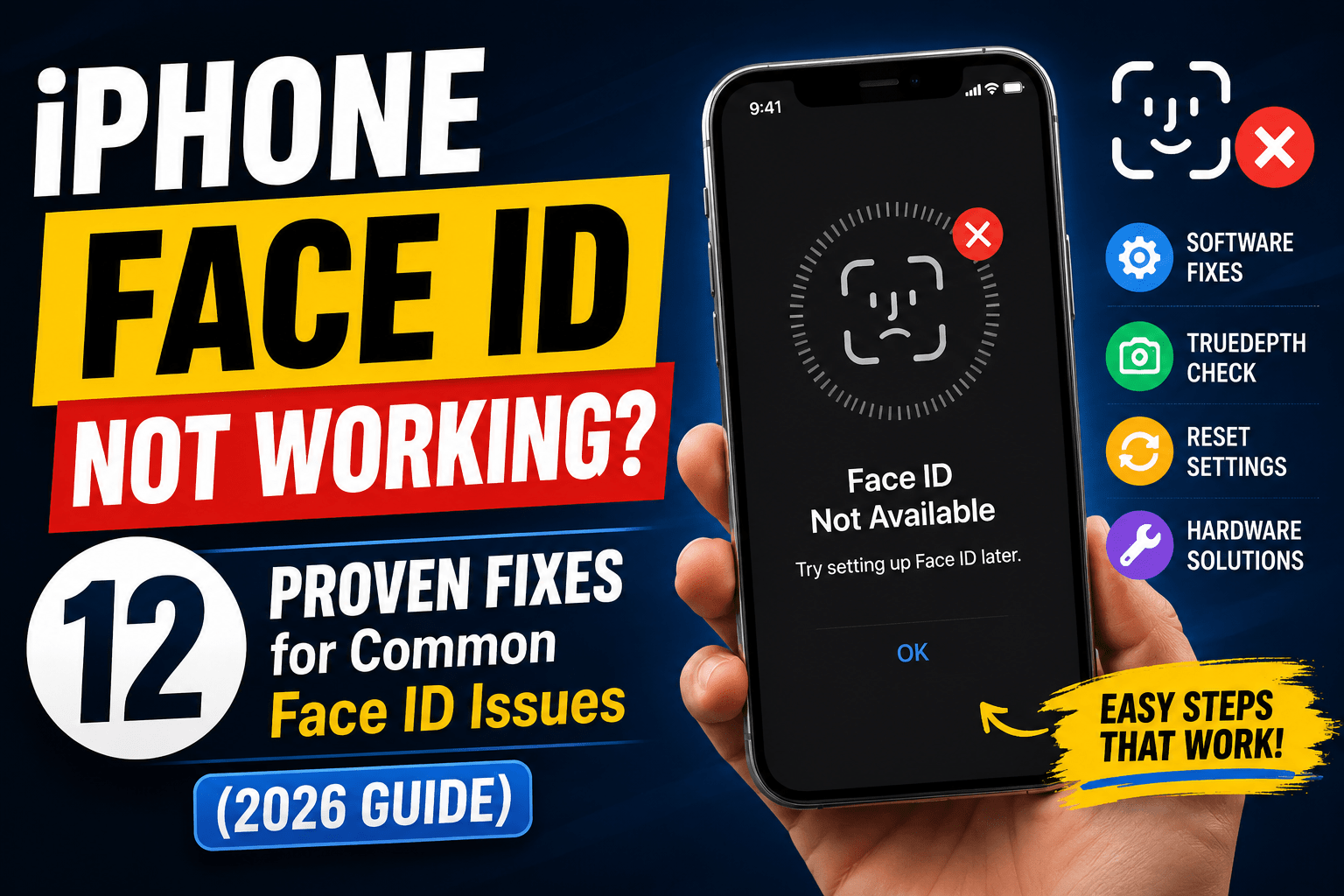
iPhone Face ID Not Working?
Here’s How to Fix Common Face ID Issues
Face ID is one of Apple’s most useful security features, but many users encounter problems such as:
- Face ID unavailable
- Face ID setup not working
- Unable to activate Face ID
- Face ID stopped working after update
- Face ID not recognizing your face
Fortunately, most iPhone Face ID issues can be fixed without replacing your device.
Why Is My Face ID Not Working?
Several factors can cause Face ID problems:
- Software bugs
- iOS updates
- Dirty TrueDepth camera
- Screen replacement
- Water damage
- Hardware failure
- Incorrect Face ID settings
Common symptoms include:
- Face ID unavailable
- Face ID disabled
- Face ID verification failed
- Face ID keeps asking for passcode
- Face ID suddenly stopped working
Restart Your iPhone
A simple reboot can fix temporary bugs causing Face ID to stop working.
Steps1. Turn off your iPhone.
2. Wait 30 seconds.
3. Turn it back on.
4. Test Face ID again.
Clean the TrueDepth Camera
Dust or fingerprints may prevent Face ID from recognizing your face.
Make sure:
- Camera notch is clean.
- Screen protector isn’t blocking sensors.
- Case doesn’t cover the front camera.
Check Face ID Settings
Go to:
Settings → Face ID & Passcode
Verify that Face ID is enabled for:
- iPhone Unlock
- App Store
- Password AutoFill
- Apple Pay
Reset Face ID
Many users searching “How do I reset Face ID?” solve the problem this way.
Steps
Settings → Face ID & Passcode → Reset Face ID
Then set up Face ID again.
Update iOS
Some users experience Face ID not working after an iOS update.
Install the latest software:
Settings → General → Software Update
Apple frequently releases fixes for Face ID issues.
Face ID Unavailable? Try Setting Up Later
The message:
“Face ID unavailable. Try setting up later.”
Usually appears because of:
- Software glitches
- Temporary sensor malfunction
- Camera obstruction
Restarting and resetting Face ID often fixes the issue.
Face ID Not Working After Screen Replacement
One of the most common causes of Face ID failure is screen replacement.
Since Face ID components are paired with the motherboard, improper repairs can disable:
- Dot projector
- Flood illuminator
- Infrared camera
If Face ID stopped working after screen replacement, visit Apple or an authorized service center.
Remove Sunglasses or Masks
Users often search:
- Face ID not working with sunglasses
- Face ID not working in dark
Modern iPhones support Face ID with masks, but heavily tinted sunglasses may interfere with recognition.
Reposition Your Face
Face ID works best when:
- Holding iPhone 10–20 inches away.
- Looking directly at the screen.
- Avoiding extreme angles.
Disable Attention-Aware Features
Go to:
Settings → Face ID & Passcode
Turn off:Require Attention for Face ID
This helps users whose Face ID keeps failing.
Check for Water Damage
Water damage can affect:
- TrueDepth camera
- Dot projector
- Infrared sensor
Symptoms include:
- Face ID unavailable after restart
- Unable to activate Face ID
- Face ID setup unavailable
Contact Apple Support
If none of the above methods work, your TrueDepth camera may require repair.
Hardware issues usually involve:
- Flood illuminator
- Dot projector
- Face ID flex cable
Can Face ID Be Repaired?
Yes.
Apple can repair Face ID on many iPhone models.
Common searches include:
- Face ID repair cost
- Apple Face ID repair
- Can Face ID be repaired?
- Face ID replacement cost
Repair costs vary depending on the iPhone model. Such as:
- Face ID Problems by iPhone
- ModeliPhone 16 Face ID not working
- iPhone 15 Face ID problems
- iPhone 14 Face ID not working
- iPhone 13 Face ID issue
- iPhone 12 Face ID unavailable
- iPhone 11 Face ID stopped working
- iPhone X Face ID repair
- Most troubleshooting steps remain the same across models.
Also Read: ARE OLD IPHONES STILL WORTH USING IN 2026?
Frequently Asked Questions
Why does Face ID keep asking for passcode?
Your iPhone may require periodic passcode verification or Face ID may have failed several times.
Can water damage break Face ID?
Yes. Water can damage the TrueDepth camera system.
Does screen replacement affect Face ID?
Improper screen replacement can disable Face ID components.
Why does Face ID say unavailable?
This usually indicates software bugs or hardware problems.
Read More at Apple.
Summary
If your iPhone Face ID is not working, don’t panic. In many cases, restarting the device, resetting Face ID, updating iOS, or cleaning the TrueDepth camera solves the issue.
If Face ID stopped working after screen replacement or water damage, professional repair may be necessary.



Rishi Sanuj is write article related to Tech and Gadget, Gaming, AI Tools, Software with 8+ years of experience covering PlayStation, and next-gen gaming trends.